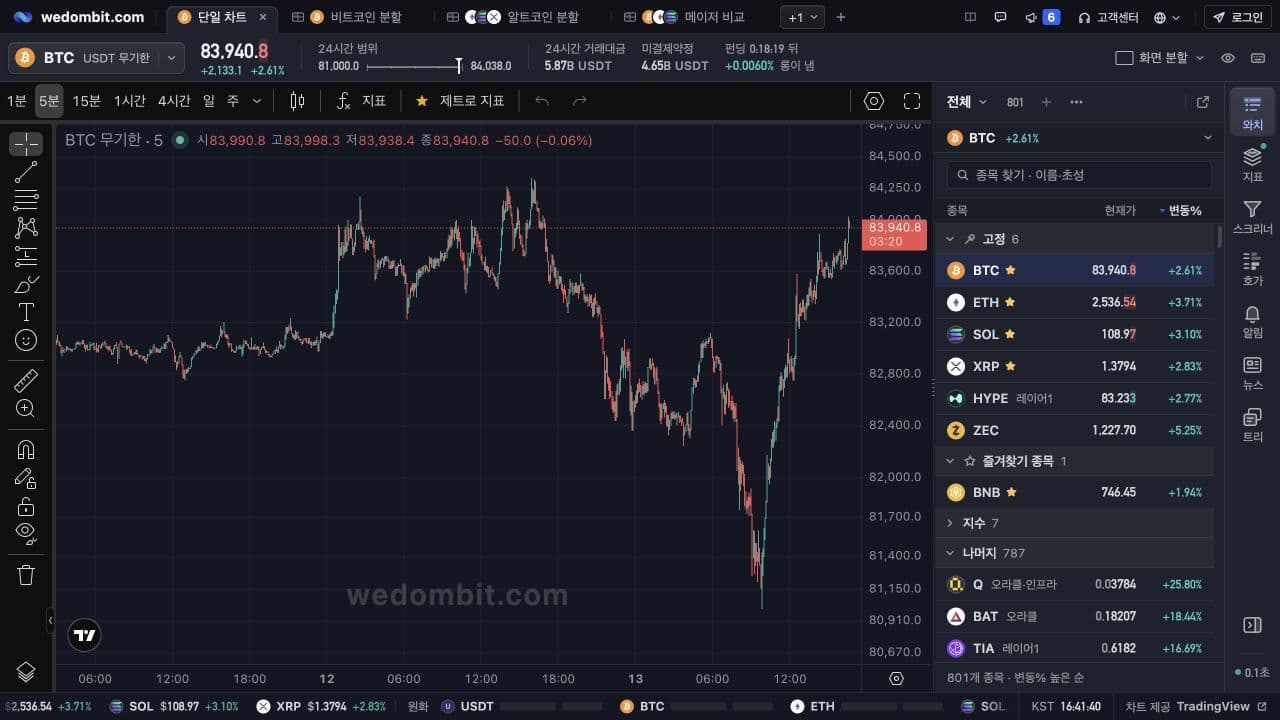
WEDOM VIEWEveryone
Free Charts
Charts are free for life.
FreeStart without installing anything
- Live prices and charts
- Split screens and workspaces
- Order book, trades, and watchlists
From live charts to exclusive Wedom indicators.
All the tools you need for analysis, in one view.
Prices · Candles · Order book · Trades
Split screens · Workspaces
Trends · Support & resistance · Signals
Wedom indicators
Choose the indicators that help you study the market moves you want to follow.
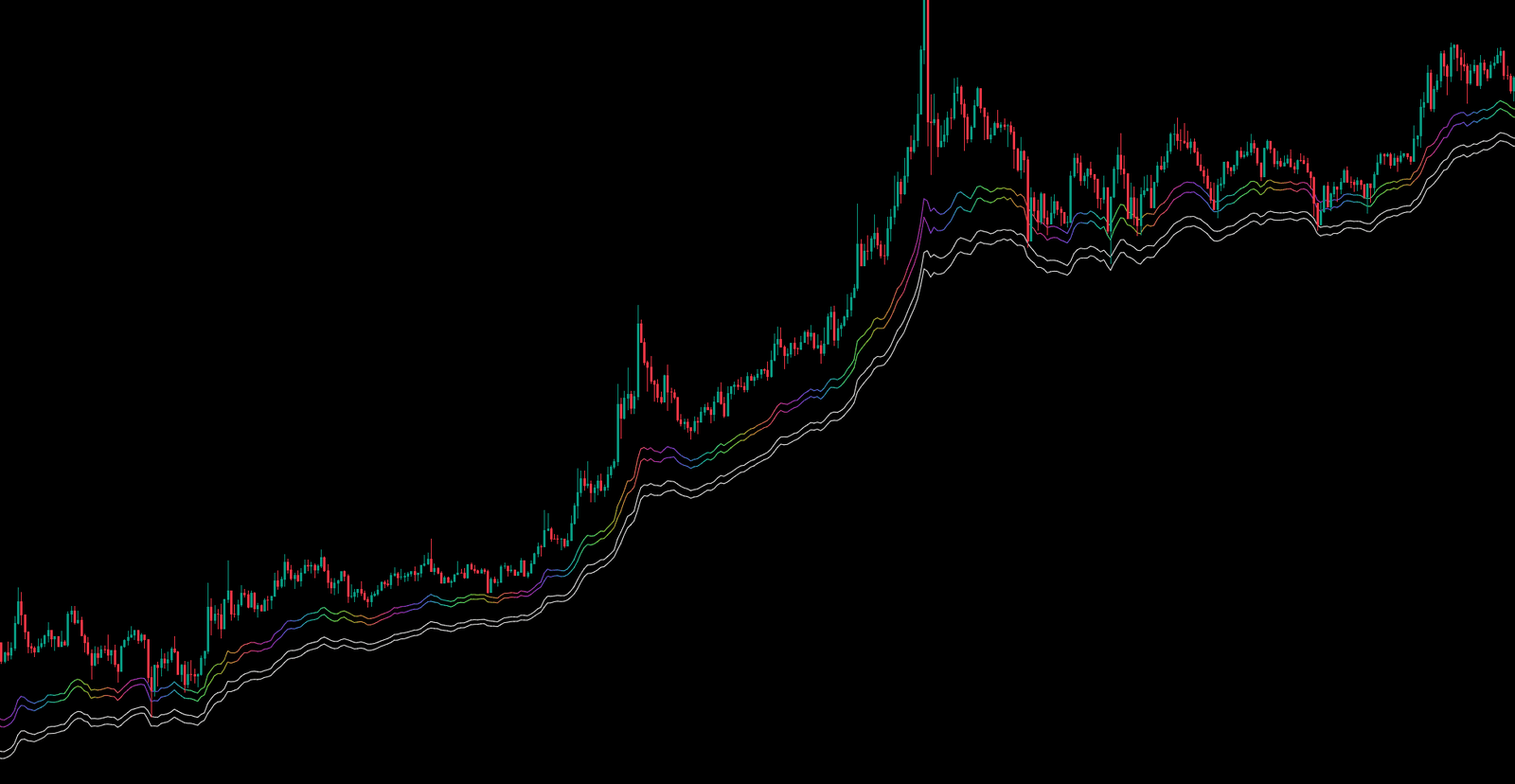
Layered clouds show short, mid and long-term trend at once — built for trend trading. Aligned clouds act as stacked support; inverted clouds act as stacked resistance.
Access requirements
Free charts for everyone.
Plus Wedom indicators for referral members.
Charts are free for life.
ℹ️ All conditions below must be met to receive indicators.
One of Toobit, Echobit, OKX, Binance, Bybit
Charts are free for life.
Indicators are free for the first 30 days after signup. Trading volume is required afterward.
Automatic referral verification
Just enter your UID
How to get indicators
Choose your current situation
and follow the steps below.
Choose a partner exchange and sign up through Wedom’s referral link.
View partner exchangesLog in to the chart with Telegram, have your exchange UID ready, and follow the issuance guide to check your eligibility.
Once issued, select the indicators you want from the chart’s indicator panel.
Open WEDOM ViewFrequently asked questions
Charts are free for life.
If your account is registered through Wedom, check the issuance requirements. If you signed up elsewhere, first check whether your exchange allows referral changes and how to apply.
How to change your referralLog in to wedomview.com and choose an indicator from the panel on the right. Supported symbols and timeframes vary by indicator, so check the usage guide too.
Auto renewal after referral condition verification before expiry
 Toobit
 Echobit
 OKX
 Binance
 Bybit